Start Cleaning
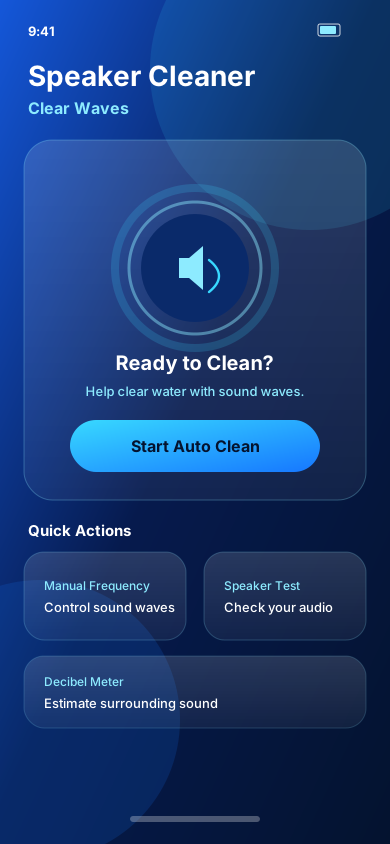
Open Auto Clean and begin a guided sound-wave session with one tap.
Speaker Cleaner: Clear Waves
Help eject water from your speaker with powerful sound waves and enjoy clearer audio in seconds.
Designed for iPhone & iPad
How it works
Open Auto Clean and begin a guided sound-wave session with one tap.
Controlled tones play through your speaker, intended to help move trapped water.
When water was affecting playback, your speaker may sound clearer afterward.
Features
Start a guided sound-wave cleaning session with one tap.
Explore different sound frequencies for a more controlled cleaning session.
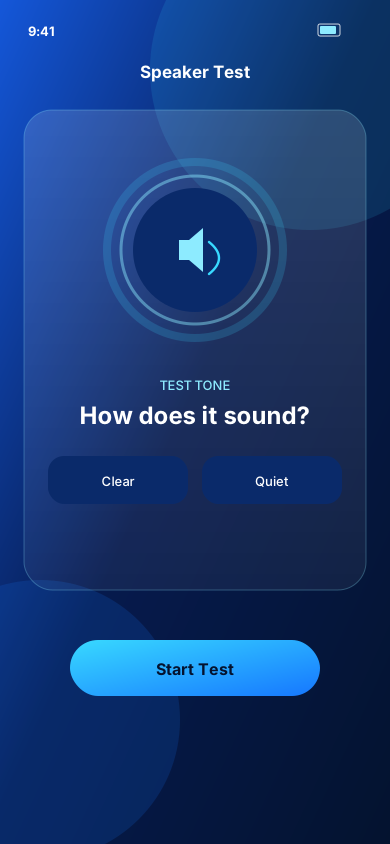
Test your speaker and check how your audio sounds.
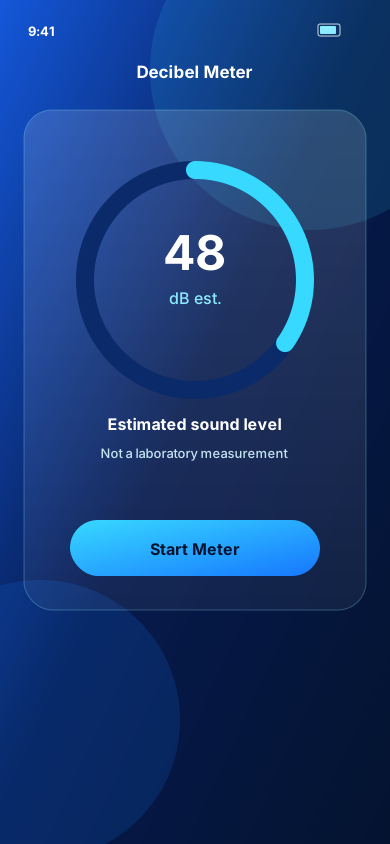
Measure approximate surrounding sound levels with your microphone.
Keep track of your completed cleaning sessions.
Everything is designed to make speaker cleaning quick and effortless.
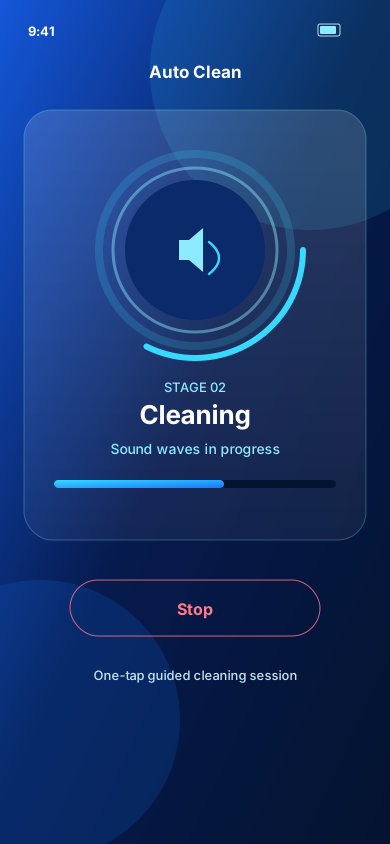
Auto Clean
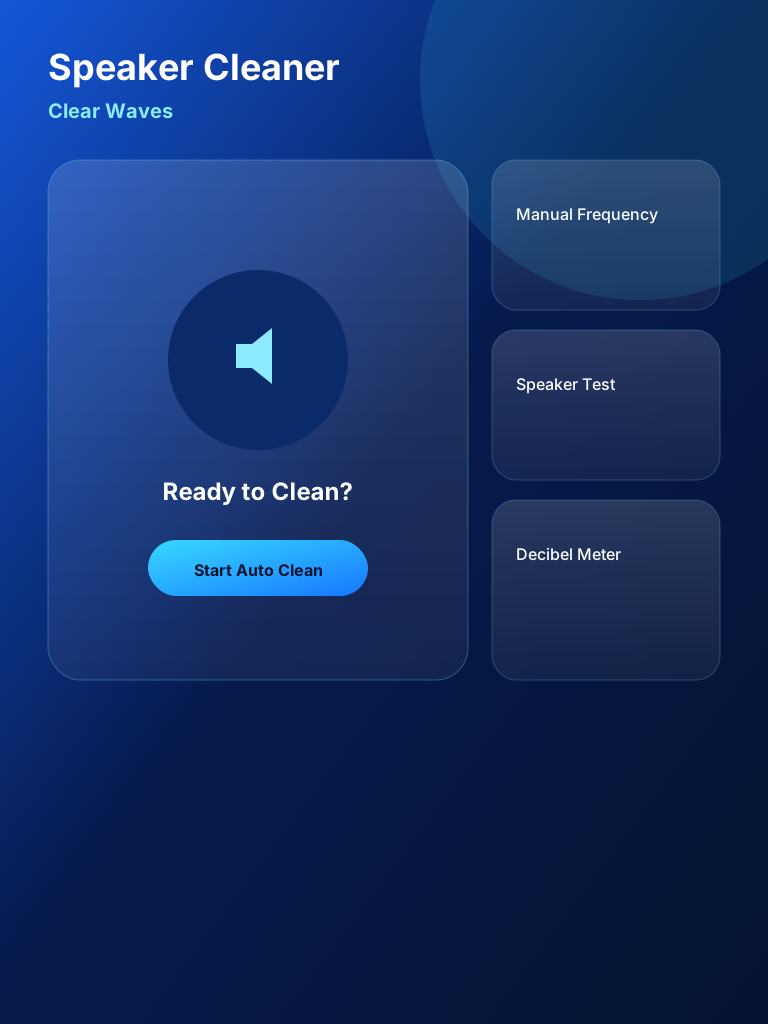
Start a guided sound-wave session designed to help eject water from your speaker.

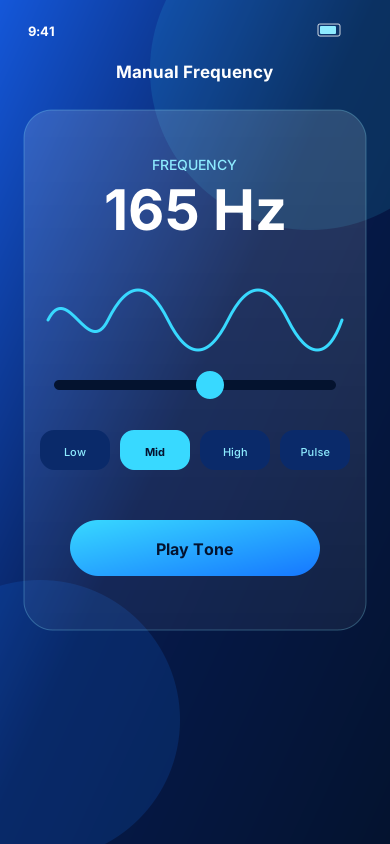
Manual Frequency
Explore sound-wave frequencies and choose the experience that works best for your situation.
Speaker Test
Run a quick speaker test and listen for clearer audio after cleaning.
Decibel Meter
Use the built-in Decibel Meter to view an estimated surrounding sound level. This is an approximate reading, not a professional or laboratory-grade measurement.
Privacy
Speaker Cleaner is designed with a local-first approach for core cleaning, testing, and history. Microphone access is used only for the Decibel Meter. The free version may show ads. See the Privacy Policy for details.
FAQ
Speaker Cleaner is designed to assist with water ejection from device speakers. It does not repair hardware damage or guarantee removal of all water.